


Choosing the right hosting service can make or break your website’s success. You might be torn between Hostinger and Google Cloud, both popular but very different options.
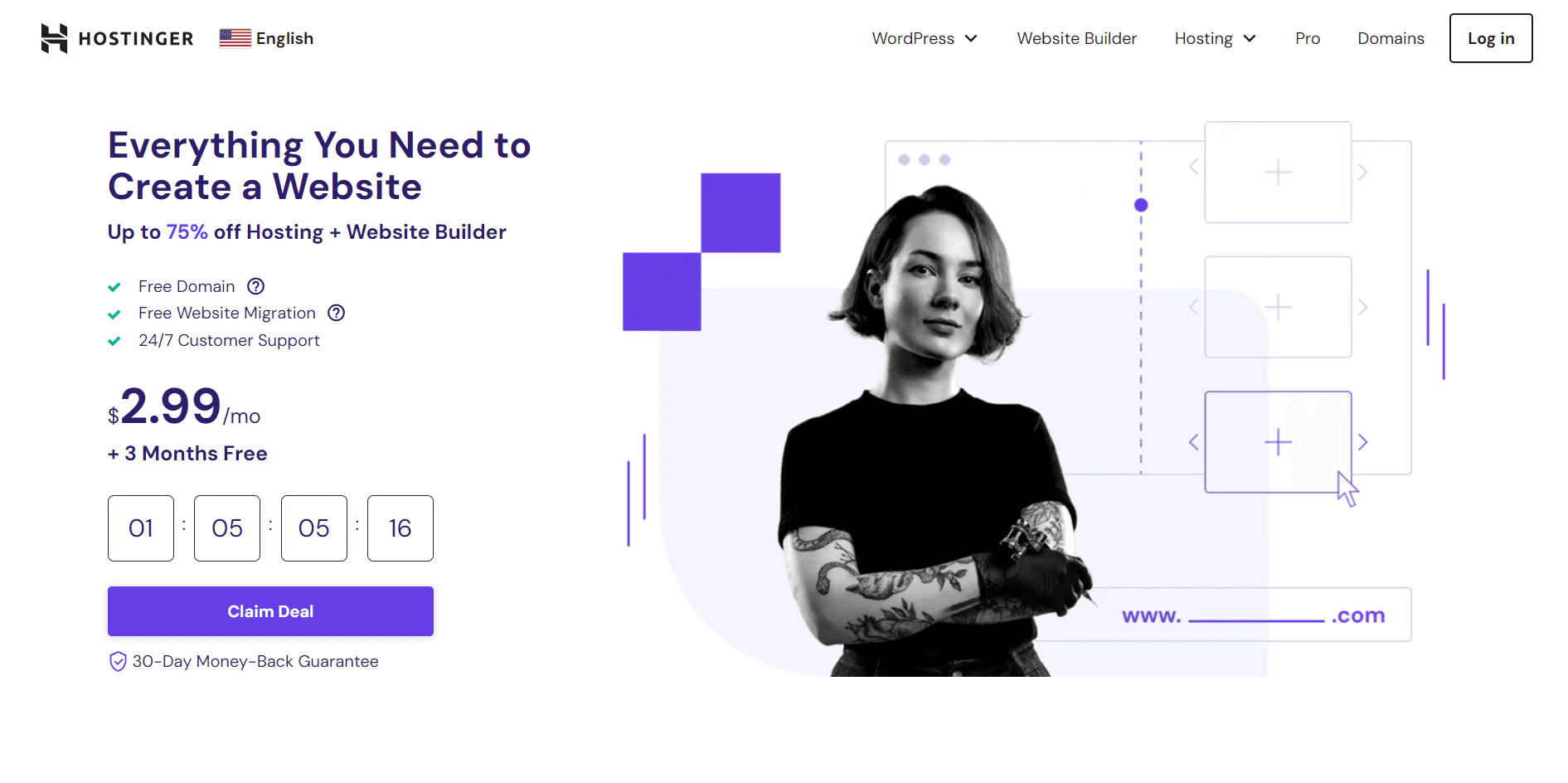
Which one fits your needs, budget, and skills? This article will help you decide by breaking down the key differences, benefits, and drawbacks of each. By the end, you’ll know exactly which service aligns with your goals and how to get started without confusion. Ready to find the perfect hosting partner for your website? Let’s dive in and explore Hostinger vs Google Cloud in detail. If you want a reliable and budget-friendly option to start right away, check out Hostinger here: Hostinger Hosting Plans.
Credit: hostwizly.com
Introduction To Hostinger And Google Cloud Hosting
Choosing the right hosting service shapes your website’s performance and reliability. Hostinger and Google Cloud stand as two popular hosting providers. Each offers distinct features and solutions for different needs. Understanding their core offerings helps decide the best fit for your project.
Overview Of Hostinger And Its Hosting Solutions
Hostinger is a user-friendly hosting provider. It targets small to medium websites and beginners. Its services include:
- Shared Hosting: Affordable plans for simple websites.
- Cloud Hosting: Enhanced speed and scalability.
- VPS Hosting: More control with dedicated resources.
- Dedicated Hosting: Full server access for high-traffic sites.
- Email Hosting: Professional email services.
Hostinger focuses on ease of use, low prices, and good performance. It offers an intuitive control panel and 24/7 support.
Introduction To Google Cloud And Its Hosting Services
Google Cloud provides powerful cloud computing services. It suits businesses needing flexible, scalable hosting. Its core hosting solutions include:
- Compute Engine: Virtual machines with custom configurations.
- App Engine: Platform for building scalable applications.
- Kubernetes Engine: Container orchestration and management.
- Cloud Functions: Serverless computing for event-driven code.
- Cloud Storage: Secure, reliable data storage.
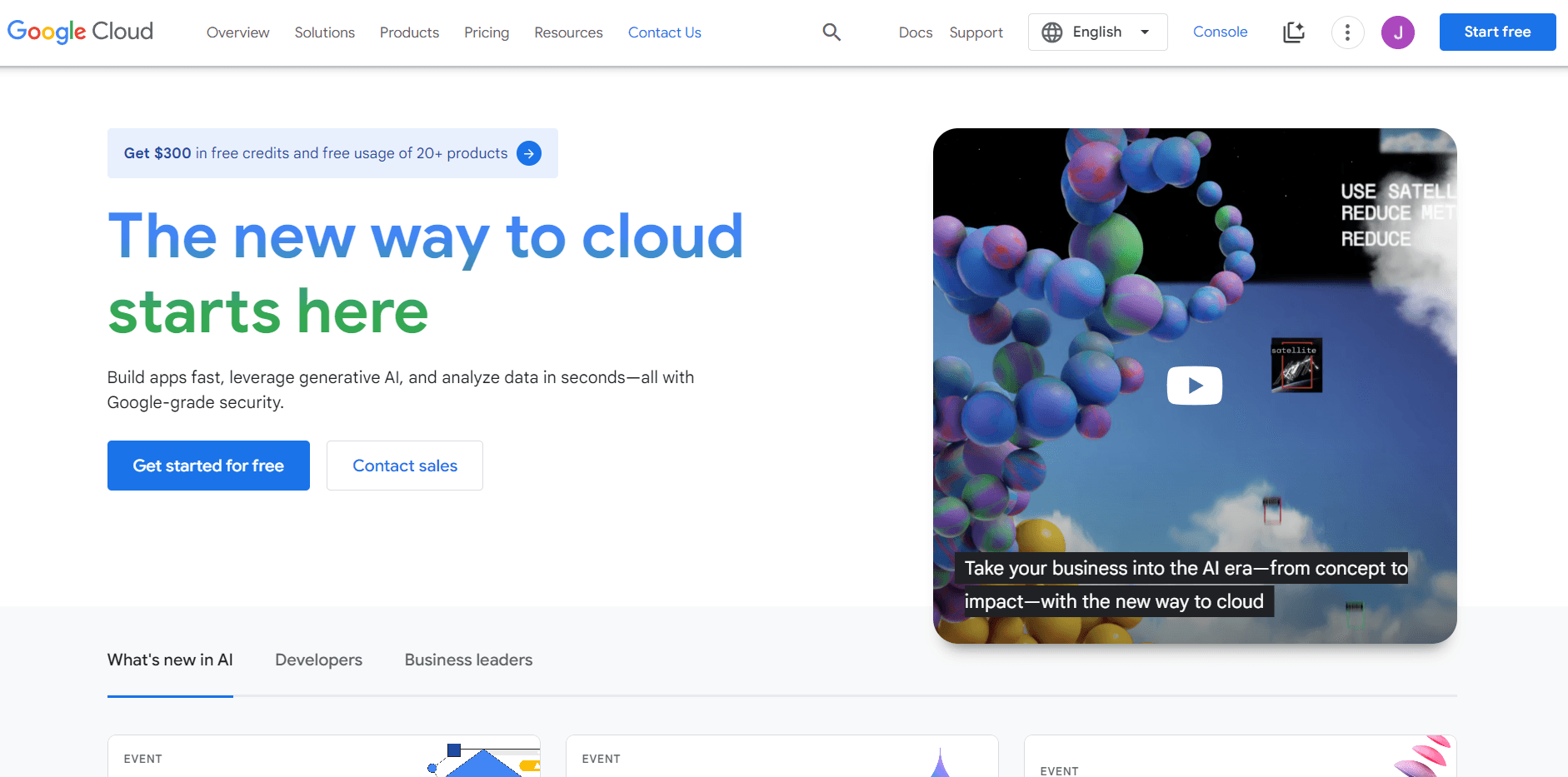
Google Cloud emphasizes high performance, global reach, and advanced technology. It supports complex and large-scale web projects.
Purpose And Scope Of The Comparison
This comparison shows key differences between Hostinger and Google Cloud. It covers:
- Hosting types and features
- Performance and reliability
- Pricing and value for money
- User experience and support
The goal is to help choose the right hosting based on needs and budget.
Key Features Of Hostinger
Hostinger offers a blend of features tailored for users needing reliable, fast, and easy-to-manage web hosting. It supports various hosting types, including shared, cloud, VPS, and dedicated hosting. Each feature is designed to simplify website management, improve performance, and reduce costs.
User-friendly Control Panel And Ease Of Use
Hostinger provides a custom-built control panel called hPanel. It is simple and intuitive for beginners and experienced users alike.
- Clean interface with clearly labeled sections
- Easy domain and website management
- Quick access to email, databases, and backups
- One-click access to support and billing
This control panel reduces the time spent managing hosting tasks. Users can focus more on building and growing their sites.
Affordable Shared And Cloud Hosting Options
Hostinger offers hosting plans that fit tight budgets without sacrificing quality.
| Hosting Type | Key Features | Starting Price |
|---|---|---|
| Shared Hosting | Free SSL, Weekly Backups, 99.9% Uptime | From $1.99/month |
| Cloud Hosting | Dedicated Resources, Scalable, High Speed | From $9.99/month |
Both options come with a 30-day money-back guarantee.
Integrated Website Builder And One-click Installations
Hostinger includes a built-in website builder for quick site creation without coding.
- Drag-and-drop interface with customizable templates
- Mobile-friendly designs
- SEO-friendly structure
One-click installers let users set up popular apps like WordPress, Joomla, and Drupal fast.
Speed Optimization And Performance Enhancements
Hostinger uses advanced technology to boost website speed and reliability.
- LiteSpeed Web Server for faster page loading
- Built-in caching to reduce server load
- Multiple data centers across the world
- HTTP/2 support for quicker data transfer
These features help deliver smooth browsing experiences to visitors worldwide.
Key Features Of Google Cloud
Google Cloud offers a robust platform designed for businesses of all sizes. Its features support seamless scaling, strong security, and advanced computing capabilities. Users benefit from a global network and cutting-edge tools for artificial intelligence and data analysis.
Scalable Infrastructure And Global Network
Google Cloud provides a highly scalable infrastructure that adapts to your needs. It allows you to expand or reduce resources quickly without downtime. The platform is built on a global network of data centers and servers.
- Data centers in multiple regions worldwide
- Low latency and high availability
- Automatic load balancing
- Easy resource management with flexible scaling
This setup ensures your applications run fast and reliably, no matter where your users are.
Advanced Security And Compliance Measures
Security is a top priority with Google Cloud. It offers multi-layered protection for your data and applications. The platform complies with many global standards and regulations.
- Data encryption at rest and in transit
- Identity and access management controls
- Regular security audits and certifications
- Threat detection with AI-powered tools
Your data stays safe with continuous monitoring and strong policies.
Flexible Compute Engine And Kubernetes Integration
The Google Compute Engine provides customizable virtual machines to run your workloads efficiently. It supports various operating systems and machine types.
- Predefined and custom machine types
- Automatic scaling and load balancing
- Seamless integration with Google Kubernetes Engine (GKE)
- Container orchestration with Kubernetes for easier app management
This flexibility helps deploy and manage applications smoothly.
Comprehensive Ai And Data Analytics Tools
Google Cloud includes powerful tools for artificial intelligence and data analytics. These help extract valuable insights from your data.
- Pre-built machine learning models and APIs
- BigQuery for fast and scalable data analysis
- Dataflow and Dataproc for processing large datasets
- AutoML for building custom AI models without deep coding skills
These tools support smarter decisions and improved business outcomes.
Pricing And Affordability Comparison
Pricing plays a key role in choosing a hosting provider. Both Hostinger and Google Cloud offer distinct pricing models. Understanding these helps pick the best fit for different budgets and needs.
Hostinger’s Pricing Plans And Value For Money
Hostinger provides straightforward pricing with clear plans. It mainly targets small to medium websites and users wanting easy setups.
- Shared Hosting: Starts as low as $1.99/month for a single website.
- Cloud Hosting: Plans begin around $9.99/month with dedicated resources.
- VPS Hosting: Starts at $3.95/month offering root access and more control.
Each plan includes features like free SSL, daily backups, and a 30-day money-back guarantee. The fixed monthly fees simplify budgeting. Hostinger’s plans bundle essential tools to save extra costs.
Google Cloud’s Pay-as-you-go Model And Cost Management
Google Cloud uses a pay-as-you-go pricing model. Charges depend on actual resource usage like CPU, memory, and bandwidth.
- No fixed monthly fees.
- Billing is per second with a minimum of 1 minute.
- Automatic discounts for sustained usage.
This model suits users with fluctuating needs or large projects. Google Cloud offers cost management tools to track and control spending. Users can set budgets and alerts to avoid surprises.
Cost Efficiency Based On Different Hosting Needs
| Hosting Need | Hostinger | Google Cloud |
|---|---|---|
| Small Websites / Blogs | Low fixed cost, easy setup, good for beginners | Potentially higher cost, pay per use may be less predictable |
| Growing Business Sites | Affordable cloud plans, fixed pricing, included support | Flexible scaling, pay for what you use, better for variable traffic |
| Large Scale or Enterprise | Limited scalability, may need upgrades or VPS/Dedicated | Highly scalable, custom resource allocation, cost can be optimized |
| Developers / Tech Experts | Good for simple VPS, less customization | Full control, extensive APIs, complex pricing but powerful |
Hostinger offers clear, predictable pricing for fixed budgets. Google Cloud fits those needing flexible, scalable resources and dynamic billing.
Pros And Cons Based On Real-world Usage
Choosing between Hostinger and Google Cloud depends on your specific needs. Both platforms offer distinct features. Understanding their real-world pros and cons helps make a better choice. Below, we explore the strengths and weaknesses of each based on actual user experiences.
Strengths And Weaknesses Of Hostinger
Hostinger is popular for affordable web hosting solutions. It suits small to medium websites and beginners.
- Strengths:
- Very user-friendly control panel
- Competitive pricing with various hosting plans
- Fast loading speeds for shared hosting
- Free domain and SSL certificates on some plans
- Good uptime performance around 99.9%
- Weaknesses:
- Limited advanced features for large-scale projects
- Customer support can be slow during peak times
- Backup options are not very flexible
- Shared hosting may experience resource limitations
Advantages And Limitations Of Google Cloud
Google Cloud offers powerful cloud infrastructure for developers and enterprises.
- Advantages:
- Scalable and flexible infrastructure
- Global data centers for low latency
- Strong security and compliance standards
- Wide range of services beyond hosting
- Advanced machine learning and data analytics tools
- Limitations:
- Complex setup for beginners
- Pricing can be confusing and costly for small projects
- Customer support requires paid plans for faster response
- Less suitable for simple websites without technical knowledge
User Experience And Customer Support Insights
Hostinger provides an intuitive interface for users with limited experience. The control panel is easy to navigate. Support is mostly via live chat and ticketing.
Google Cloud’s user experience targets developers and IT professionals. The platform offers extensive documentation and tutorials. Support responsiveness varies by plan level.
| Aspect | Hostinger | Google Cloud |
|---|---|---|
| User Interface | Simple, beginner-friendly | Complex, developer-focused |
| Support Channels | Live chat, ticket system | Email, phone, paid support plans |
| Response Time | Moderate, sometimes slow | Fast with paid plans, slower otherwise |
| Documentation | Basic tutorials | Extensive and detailed |
Credit: autopagerank.com
Ideal Users And Use Cases For Hostinger
Hostinger suits users who want reliable, affordable web hosting without complex setups. It offers easy tools for website creation and management. The platform fits various needs, especially for small to medium websites, beginners, and budget-conscious users. Hostinger provides fast servers, solid uptime, and simple control panels.
Best Scenarios For Small To Medium Websites
Hostinger works well for small business sites, personal blogs, and portfolios. It supports common platforms like WordPress, making site building smooth and quick.
- Small business websites with moderate traffic
- Personal blogs and hobby sites
- Online portfolios for creatives and freelancers
- Basic eCommerce stores with limited products
The hosting plans provide enough resources for sites with regular visitor numbers. Servers deliver good speed, helping with user experience and SEO.
Suitability For Beginners And Budget-conscious Users
Hostinger is ideal for beginners. The user interface is simple and clean. No technical skills needed to launch a website.
- Drag-and-drop website builder included
- One-click installer for popular apps like WordPress
- Clear tutorials and 24/7 customer support
- Affordable plans starting at very low prices
Budget users find Hostinger attractive due to its low-cost hosting without big compromises on performance.
When To Choose Hostinger Over Google Cloud
Choose Hostinger if you want straightforward hosting with low cost and easy setup. It is not for complex or large-scale applications.
| Hostinger | Google Cloud |
|---|---|
| Simple websites and blogs | Enterprise-grade applications |
| Low monthly hosting fees | Pay-as-you-go cloud services |
| Managed hosting with support | User-managed cloud infrastructure |
| Quick setup and ease of use | Flexible but complex setup |
Hostinger fits users needing affordable, managed hosting. Google Cloud fits developers and businesses needing scalable cloud infrastructure.
Ideal Users And Use Cases For Google Cloud
Google Cloud suits users who need powerful, flexible hosting solutions. It works best for businesses and developers requiring strong computing power and scalability. The platform supports complex projects with high demands and offers tools for advanced cloud management.
Optimal Use Cases For Large Enterprises And Developers
Large enterprises benefit from Google Cloud’s global infrastructure and security features. Developers appreciate the variety of services, such as:
- Compute Engine for virtual machines
- App Engine for app deployment
- BigQuery for data analysis
- Cloud Functions for event-driven code
This makes Google Cloud ideal for building and managing complex applications. Teams can collaborate using integrated tools and APIs. The platform supports multiple programming languages and frameworks, easing development processes.
Benefits For High-traffic And Resource-intensive Projects
Google Cloud handles large volumes of traffic without slowing down. Its auto-scaling feature adjusts resources based on demand. This ensures websites and apps remain fast and reliable even during peak times.
Projects needing heavy computation, like machine learning or big data, gain from Google Cloud’s powerful GPUs and TPUs. The platform’s storage options offer high availability and quick access to data.
When Google Cloud Is The Preferred Hosting Solution
Choose Google Cloud for:
- Complex web applications requiring custom setups.
- Businesses needing global reach and high uptime.
- Projects demanding advanced analytics and AI tools.
- Developers seeking flexible environments and APIs.
- Organizations focusing on security and compliance.
Its pay-as-you-go pricing suits businesses with fluctuating workloads. Google Cloud offers strong support and continuous updates, ensuring the latest technology is available.
Conclusion: Making The Right Hosting Choice In 2025
Choosing between Hostinger and Google Cloud depends on your specific needs and goals. Both offer strong hosting options but serve different users. Understanding their differences helps make a clear decision for 2025.
Summary Of Key Differences And Strengths
| Feature | Hostinger | Google Cloud |
|---|---|---|
| Type of Hosting | Shared, VPS, Cloud, Dedicated, Email | Cloud infrastructure and services |
| Ease of Use | User-friendly, beginner-focused control panel | Complex, requires technical knowledge |
| Pricing | Affordable, fixed plans | Pay-as-you-go, scalable but costly |
| Performance | Good for small to medium websites | High performance, global network |
| Support | 24/7 live chat, ticket support | Technical documentation, paid support |
Hostinger suits beginners and small businesses. Google Cloud fits large enterprises with complex needs.
Final Recommendations Based On User Needs
- Choose Hostinger if you want:
- Easy setup and management
- Budget-friendly plans
- Reliable shared or VPS hosting
- Good customer support
- Choose Google Cloud if you need:
- Scalable cloud infrastructure
- High uptime and global reach
- Advanced tools and APIs
- Enterprise-level security
Assess your technical skills and budget carefully before deciding.
Future Trends In Hosting: What To Expect Beyond 2025
- Increased Cloud Adoption: More businesses will move to cloud hosting for flexibility.
- AI Integration: Hosting providers will use AI to optimize performance and security.
- Edge Computing: Data processing closer to users will reduce latency.
- Green Hosting: Eco-friendly data centers will gain popularity.
- Hybrid Solutions: Combining cloud and traditional hosting will be common.
Both Hostinger and Google Cloud will evolve to include these trends, offering more options.
Credit: hostwizly.com
Frequently Asked Questions
What Are The Key Differences Between Hostinger And Google Cloud?
Hostinger offers affordable shared hosting with easy setup. Google Cloud provides scalable cloud infrastructure for advanced users. Hostinger suits beginners and small sites, while Google Cloud fits large, complex projects needing flexibility and power.
Which Hosting Platform Is Better For Website Speed?
Google Cloud generally delivers faster speeds due to global data centers and robust infrastructure. Hostinger offers good speed for small to medium sites but may lag under heavy traffic. Choose based on your site’s size and traffic needs.
Is Hostinger Or Google Cloud More Cost-effective?
Hostinger is budget-friendly with fixed monthly plans ideal for small businesses. Google Cloud uses pay-as-you-go pricing, which can be costlier but flexible for growing sites. Evaluate your budget and project scale before deciding.
How Easy Is It To Use Hostinger Compared To Google Cloud?
Hostinger provides a user-friendly control panel designed for beginners. Google Cloud requires technical knowledge and experience with cloud services. Hostinger is better for non-technical users, while Google Cloud suits developers and enterprises.
Conclusion
Choosing between Hostinger and Google Cloud depends on your needs and budget. Hostinger offers easy setup and affordable plans for beginners. Google Cloud suits those needing powerful, scalable solutions. Both have strong features but serve different users well. For simple, cost-effective hosting, Hostinger stands out. You can explore Hostinger’s plans and services here: Hostinger. Think about your project size and tech skills before deciding. The right host makes a big difference in your website’s success.





