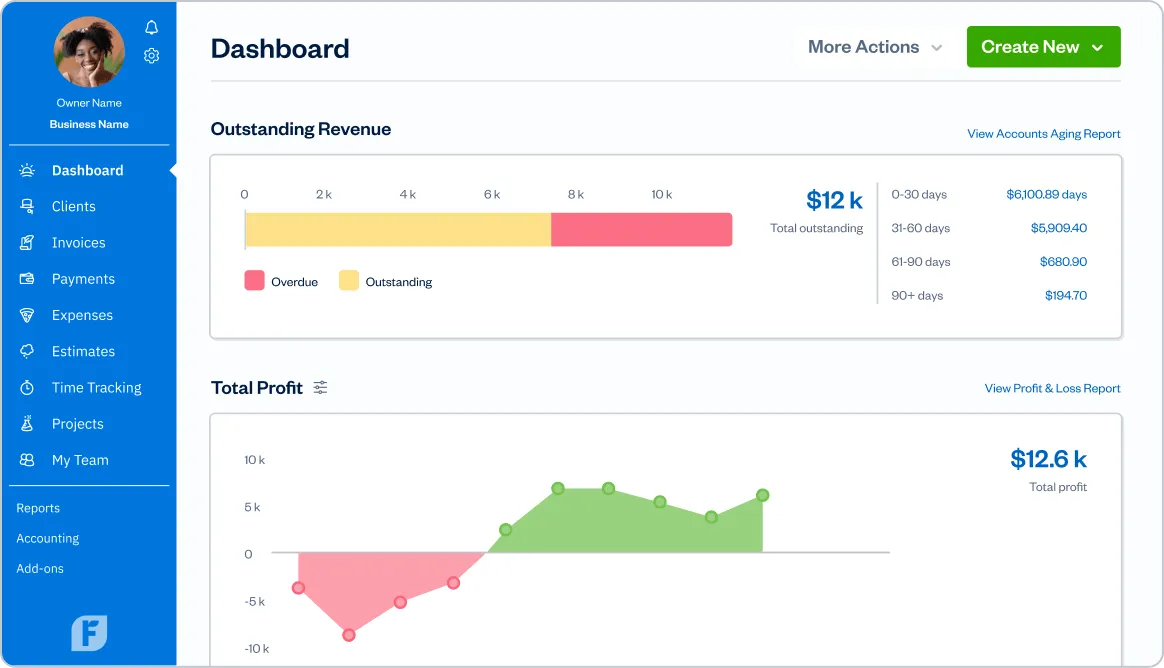
Introduction to FreshBooks
FreshBooks is a cloud-based accounting software. It is designed for small businesses, freelancers, and contractors. It solves the problem of complex accounting tasks. FreshBooks makes accounting simple and accessible. Users can easily manage their finances without being an expert. The software focuses on invoicing, time tracking, and financial reporting. These features help users save time and focus on their work.
FreshBooks Key Features and Benefits
Invoicing
FreshBooks helps users create and customize professional invoices. They can send invoices easily and quickly. Users can set up recurring invoices for regular clients. Auto-reminders help ensure clients pay on time. FreshBooks also integrates with payment options, making it easy to get paid.
Expense Tracking
Tracking expenses is simple with FreshBooks. Users can categorize expenses, making it easy to see where money goes. They can upload receipts directly to the software. FreshBooks also tracks billable expenses, which helps when invoicing clients.
Time Tracking
FreshBooks features time tracking functionality. Users can log billable hours for different projects. This information can be converted into invoices. This helps freelancers and contractors bill clients accurately.
Project Management
FreshBooks aids in project management. Users can collaborate with clients and track project progress. They can assign tasks to team members. This feature keeps everyone on the same page.
Payments And Integrations
FreshBooks supports various payment options. Users can accept payments via credit cards, PayPal, and Stripe. It also integrates with third-party tools like Shopify and Gusto. This adds more value to the user experience.
Financial Reports And Insights
FreshBooks generates detailed financial reports. Users can view profit and loss statements and tax summaries. These reports provide valuable insights for decision-making. Businesses can understand their financial health better.
FreshBooks Pricing Plans
FreshBooks offers several pricing plans. Each plan includes different features. The plans are Lite, Plus, Premium, and Select. Here’s a breakdown of each plan:
| Plan | Features | Best For |
|---|---|---|
| Lite | 5 Clients, Invoicing, Expense Tracking | Freelancers |
| Plus | 50 Clients, Recurring Invoices, Time Tracking | Small Businesses |
| Premium | 500 Clients, Project Management, Advanced Reports | Agencies |
| Select | Unlimited Clients, Custom Features | Large Companies |
FreshBooks offers a 30-day free trial. Users can explore the platform without a credit card. They can choose the plan that suits them best. Also, discounts are available for annual subscriptions. This makes FreshBooks more attractive than competitors.
Who Should Use FreshBooks?
FreshBooks is perfect for freelancers and small business owners. Service-based professionals like consultants and contractors benefit too. For instance, freelancers can track their billable hours easily. Small businesses can manage expenses and invoicing effectively. This software helps them focus on growing their business.
FreshBooks Integrations with Other Tools
FreshBooks integrates with many other tools. These integrations enhance the user experience. Here are some key integrations:
- Shopify: Useful for eCommerce businesses.
- Gusto: Helps with payroll management.
- Zapier: Automates workflows and tasks.
- Stripe and PayPal: Accepts online payments easily.
- QuickBooks: Syncs accounting data efficiently.
- HubSpot: Integrates with CRM for better customer management.
These integrations are essential for businesses using multiple tools. They streamline operations and improve efficiency.
Frequently Asked Questions
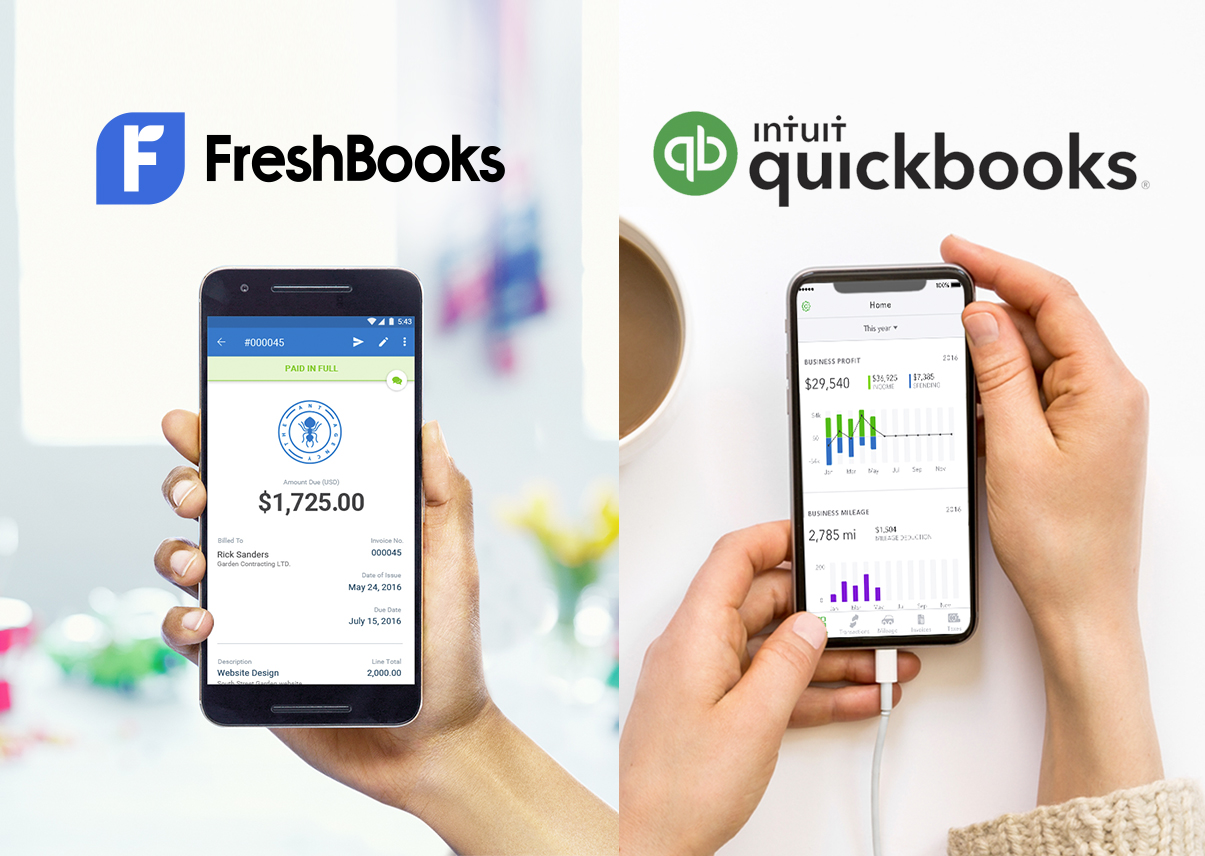
Which Is Better, Freshbooks Or Quickbooks?
FreshBooks excels in invoicing and user-friendliness, while QuickBooks offers more comprehensive accounting features.
Can Freshbooks Handle Recurring Invoices?
Yes, FreshBooks allows users to create and manage recurring invoices easily, enhancing cash flow management.
Is Freshbooks Suitable For Freelancers?
Absolutely! FreshBooks is designed with freelancers in mind, simplifying invoicing and time tracking.
What Features Does Quickbooks Offer?
QuickBooks provides extensive features like payroll management, tax preparation, and advanced reporting.
Conclusion
In conclusion, FreshBooks offers many features. It is ideal for freelancers and small businesses. Its easy-to-use interface makes accounting simple. Users can track expenses, invoice clients, and manage projects effortlessly. If you are considering accounting software, FreshBooks is worth exploring. You can start your journey with a 30-day free trial today!